
Website: https://copaw.agentscope.io/docs/quickstart (configuration installation tutorial)
Configuration Steps
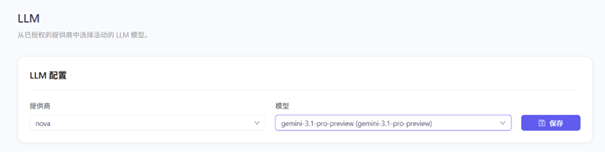
1. Select model and add provider
In Copaw, select a model, then add a provider configuration.
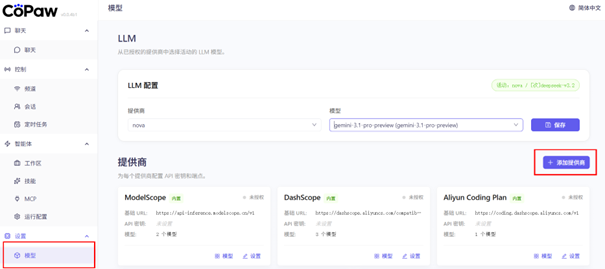
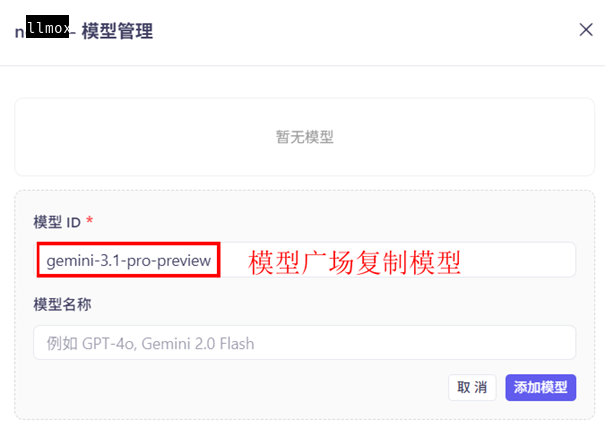
2. Create and add model
Create a new model configuration, filling in the model name copied from the LLMoxy website model marketplace (pay-per-use model).
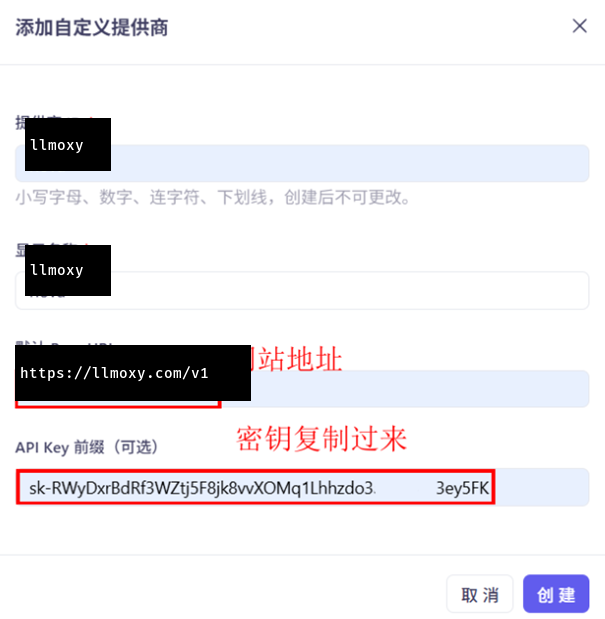
3. Configure API info
- API Address:
https://llmoxy.com/v1 - API Key: Enter your LLMoxy token
- Model Name: Pay-per-use model name copied from the model marketplace
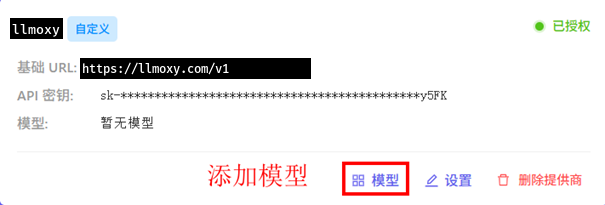
4. Save settings
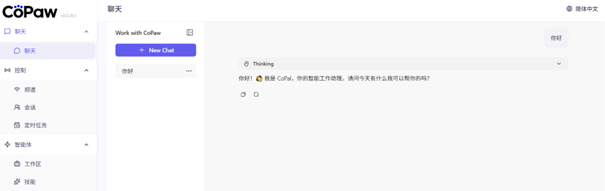
After saving the configuration, you can start using Copaw for chatting.
💡 Tip Please use a token from the auto group. After configuration, Copaw will automatically use LLMoxy API services. We recommend selecting pay-per-use models for better cost performance.