logo

CC Switch Configuration Guide

Download

The APAC acceleration address comes from a third-party GitHub Proxy. After downloading, please confirm the project name and version match the official GitHub address above.

CC-Switch is a graphical configuration management tool for quickly switching between multiple AI tool configurations. No manual editing of any configuration files is required; just fill in the API address and Key to use directly.

Typical Use Cases

  • Quickly switch between multiple API Keys
  • Bind different gateways and models for different projects
  • Manage multiple environment configurations such as dev / prod

📌 About CC Switch CC Switch is a powerful API switching tool that supports multiple AI service configurations. Below are detailed configuration tutorials for different plugins.

1. Claude Configuration

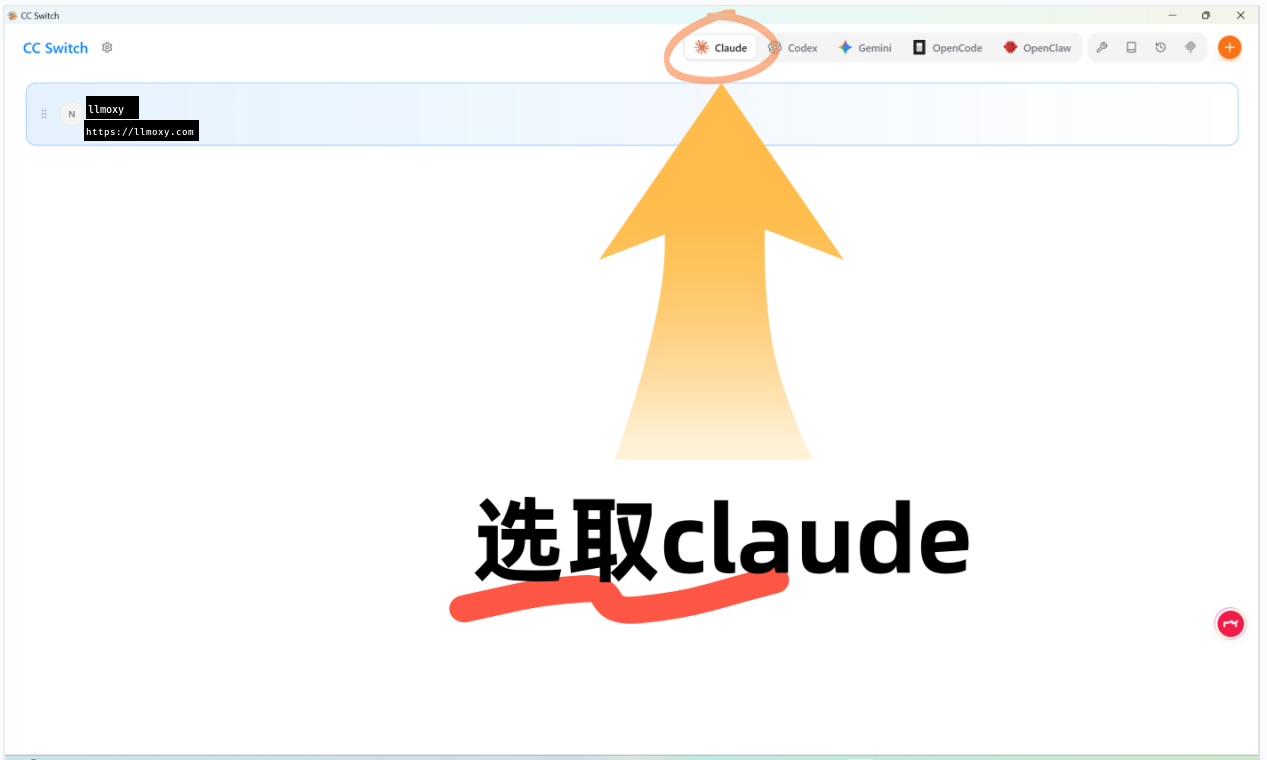
Open cc switch and select Claude

Launch cc switch, configure according to the plugin you are using, and select Claude.

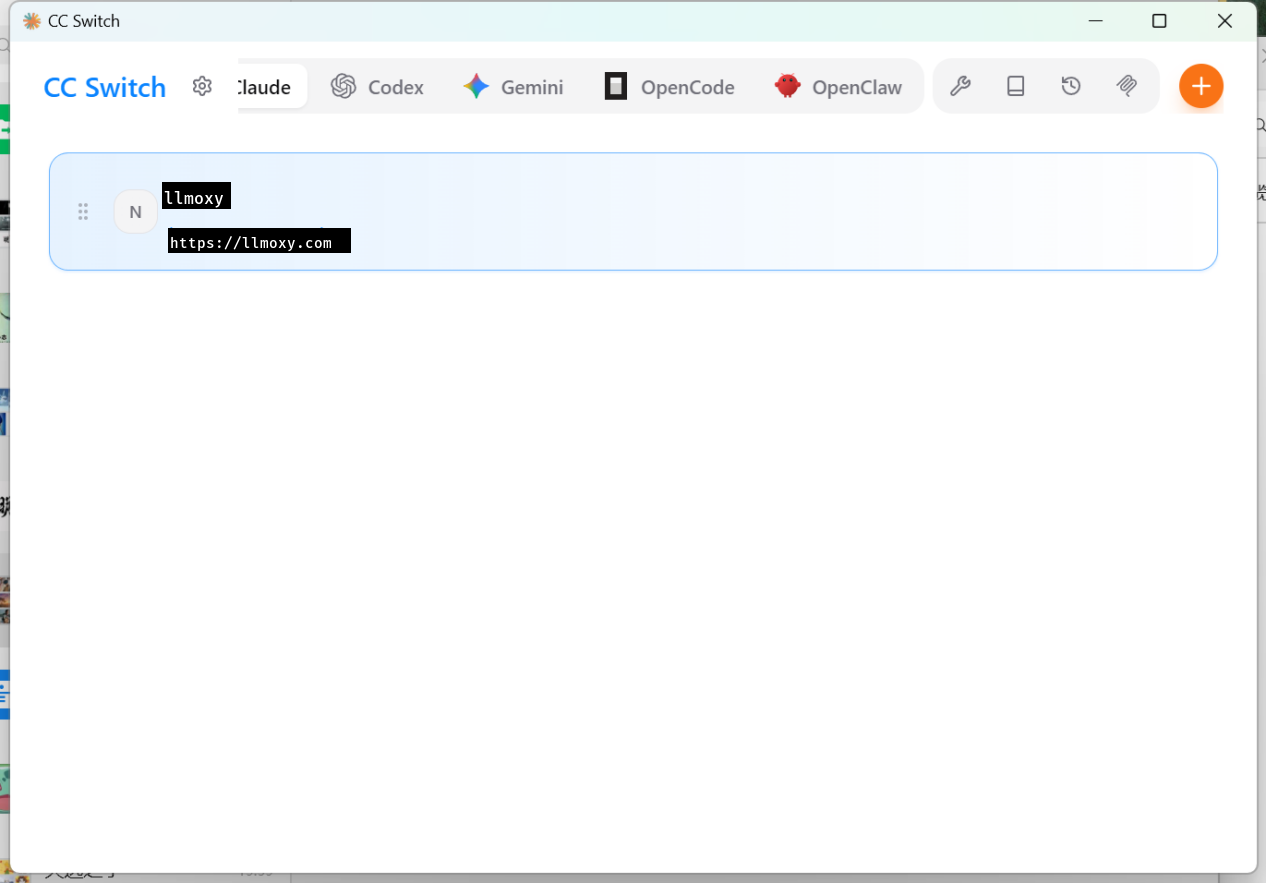
Open cc switch

Select Claude plugin

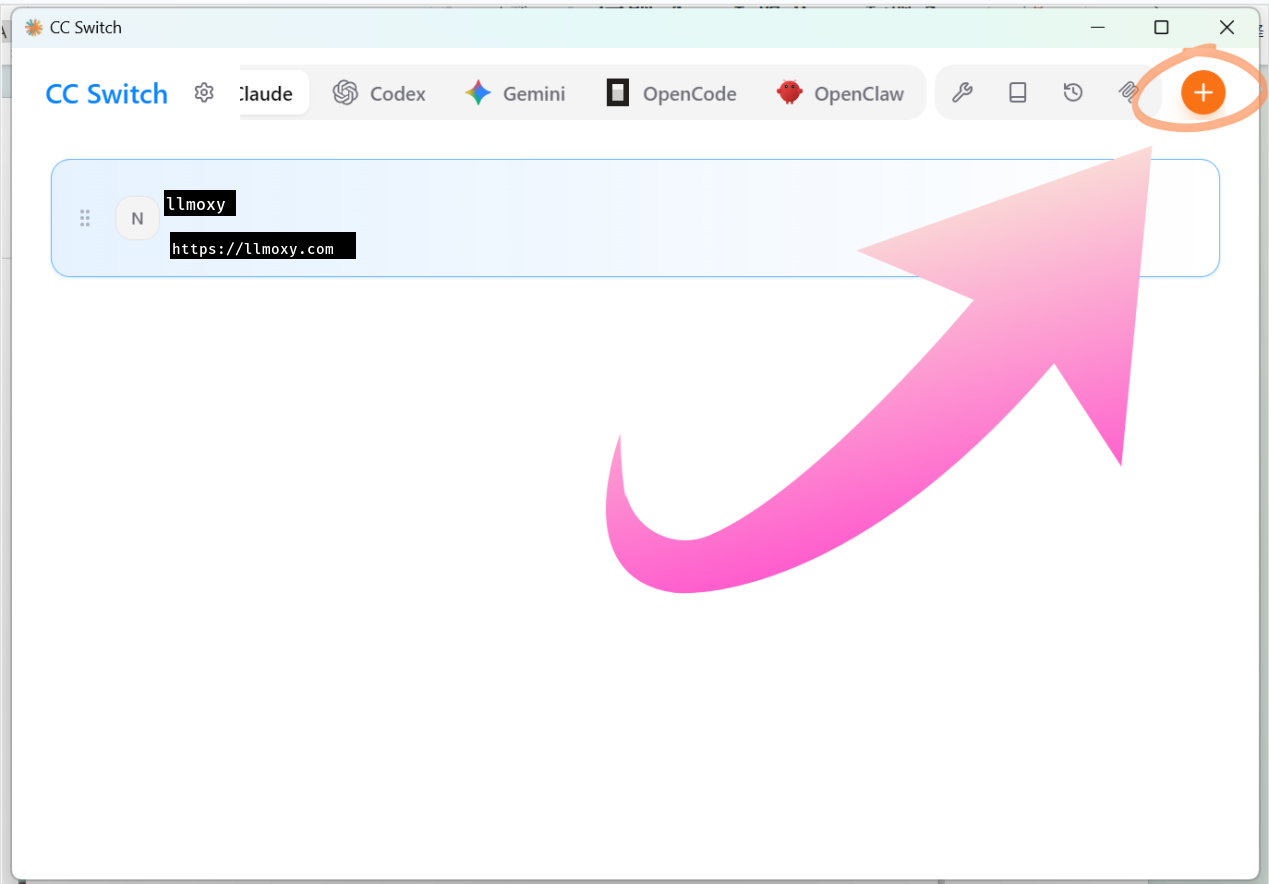
Click the plus icon in the top right to add configuration

  • Provider Name: Fill in as desired
  • API Key: Site token secret key
  • Request Address: https://llmoxy.com
  • API Format: anthropic messages (native)
  • Main Model: claude-opus-4-6

Click plus

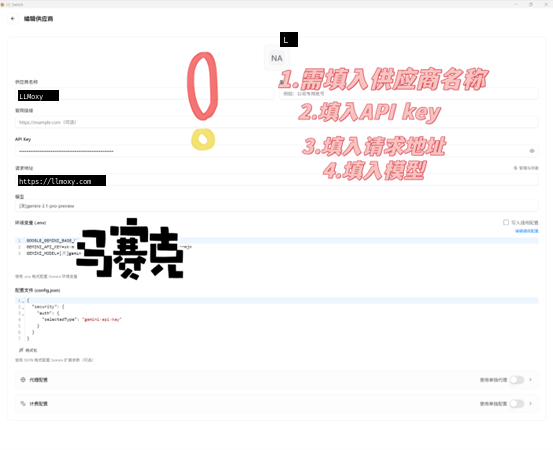
2. Gemini Configuration

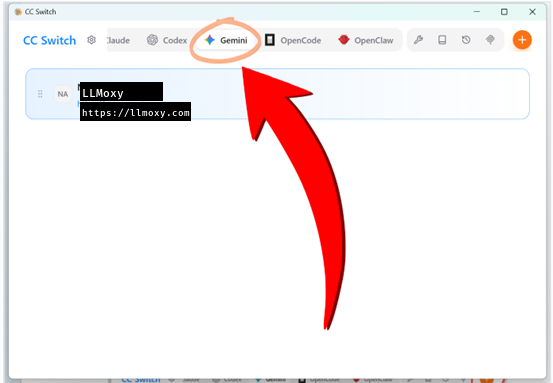
Open cc switch and select Gemini

Select the Gemini plugin in cc switch.

Select Gemini

Gemini config 1

Click the plus icon in the top right to add configuration

  • Provider Name: Fill in as desired
  • API Key: Site token secret key
  • Request Address: https://llmoxy.com
  • Main Model: gpt-5.4

Gemini config 2

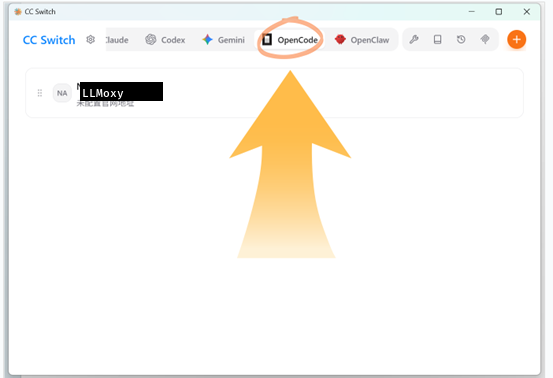
3. OpenCode Configuration

Open cc switch and select OpenCode

Select the OpenCode plugin in cc switch.

Select OpenCode

OpenCode config 1

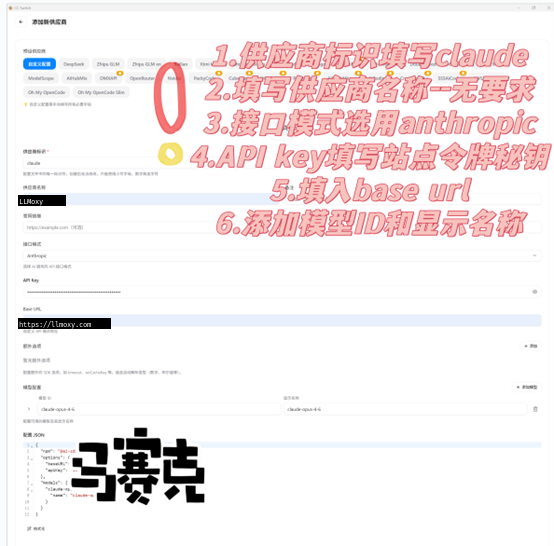
Click the plus icon in the top right to add configuration

  • Provider Identifier: claude
  • Provider Name: Fill in as desired
  • API Key: Site token secret key
  • Request Address: https://llmoxy.com
  • Main Model: claude-opus-4-6
  • Display Name: claude-opus-4-6

OpenCode config 2

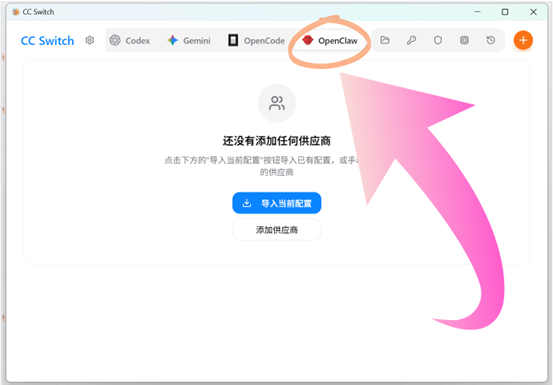
4. OpenClaw Configuration

Select OpenClaw interface

Select the OpenClaw plugin interface in cc switch.

Select OpenClaw

OpenClaw config 1

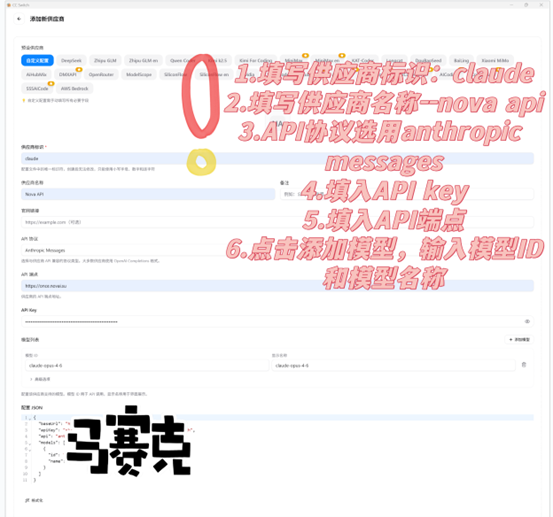
Click the plus icon in the top right to add configuration

  • Provider Identifier: claude
  • Provider Name: LLMoxy
  • API Protocol: anthropic messages
  • API Key: Site token secret key
  • API Endpoint: https://llmoxy.com
  • Model ID: claude-opus-4-6
  • Model Name: claude-opus-4-6

OpenClaw config 2

💡 Tip All configurations use a token from the auto group. After configuration, you can use LLMoxy services in the corresponding plugin. For more detailed tutorials, please refer to the video above or consult the admin in the QQ group.