
📌 About Codex CC Codex CC is a powerful AI coding assistant tool that supports connecting to LLMoxy services via custom API.
Example Call Parameters
1. Get API Key
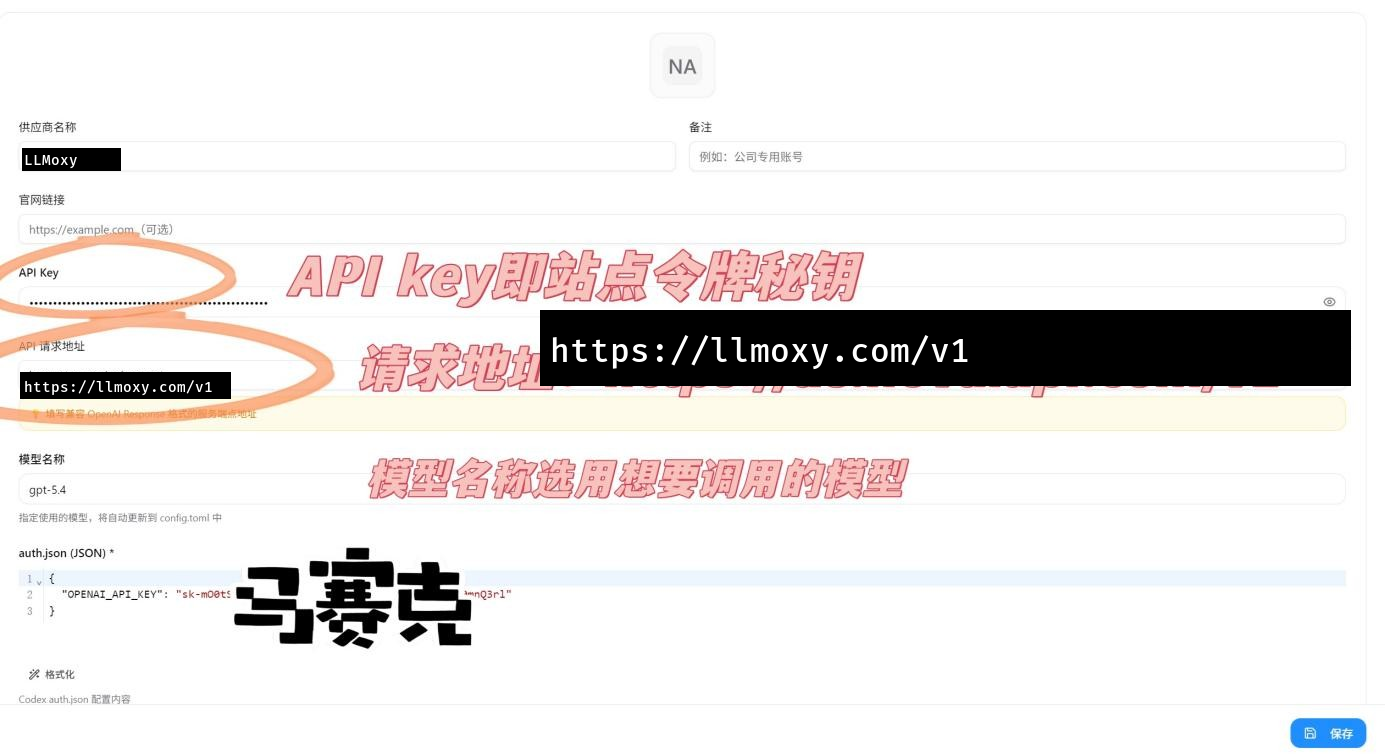
Go to the site console → Token Management → Copy token secret key.
- Api Key:
Site Console → Token Management → Copy token secret key
2. Fill in request address
Set the request address to LLMoxy API access point:
- Request Address:
https://llmoxy.com/v1
3. Select model
Fill in the model name:
- Model Name:
gpt-5.6-sol
Configuration Screenshots
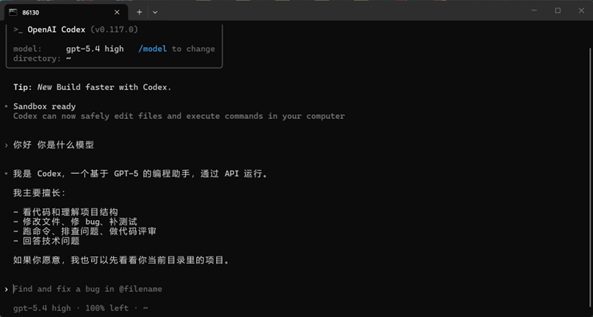
💡 Tip Please use a token from the auto group. After configuration, you can use LLMoxy API services in Codex CC.