
Install Termux
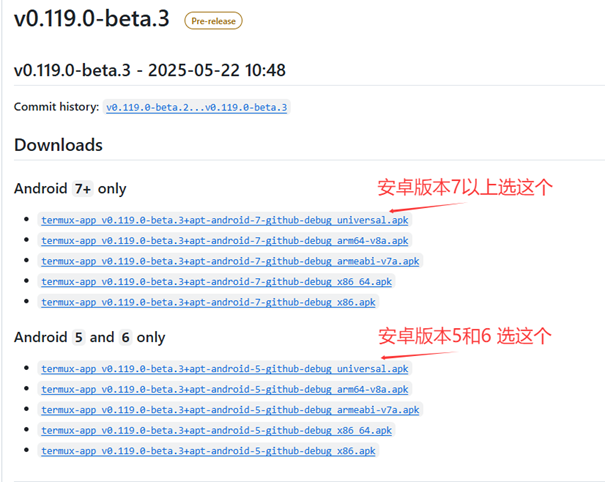
Download and install Termux from F-Droid or GitHub.
Update Packages
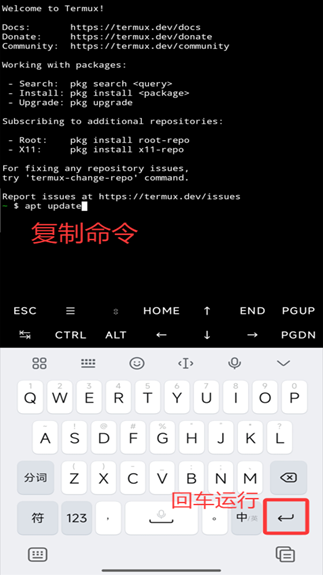
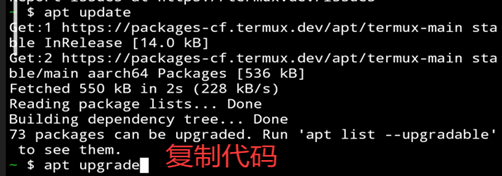
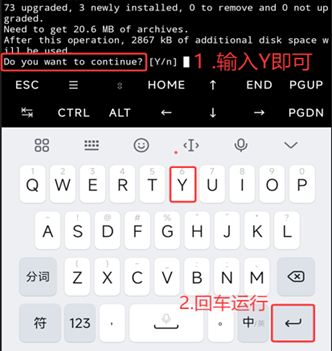
Update packages in Termux:
pkg update && pkg upgrade
Install Git
pkg install git
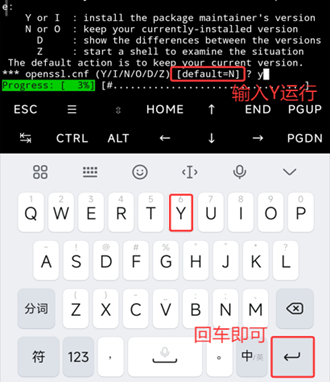
Clone the Tavern Repository
For users outside China, use GitHub:
git clone https://github.com/SillyTavern/SillyTavern -b release
For users in the Asia-Pacific region with unstable GitHub connections, use the Gitee mirror:
git clone https://gitee.com/mirrors/sillytavern.git -b release
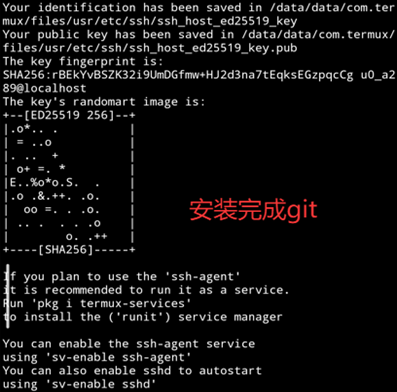
Enter Directory and Install Node.js
Enter the SillyTavern directory and install Node.js:
cd SillyTavern
pkg install nodejs
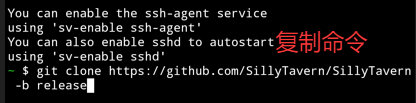

Install Dependencies
npm install
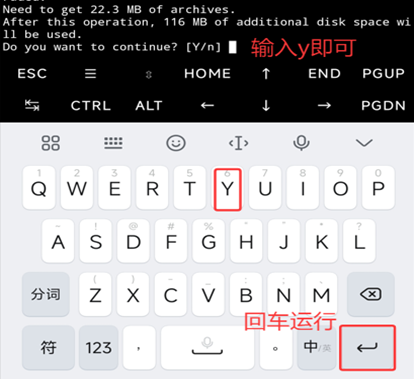
Run the Tavern
If you are already in the SillyTavern folder, run the startup script directly:
cd SillyTavern
./start.sh
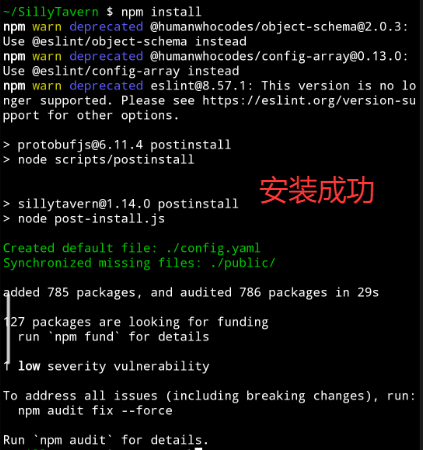
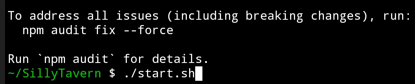
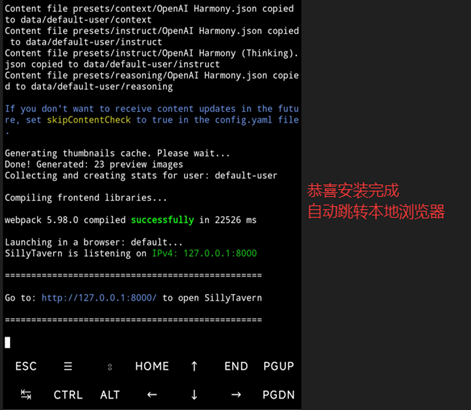
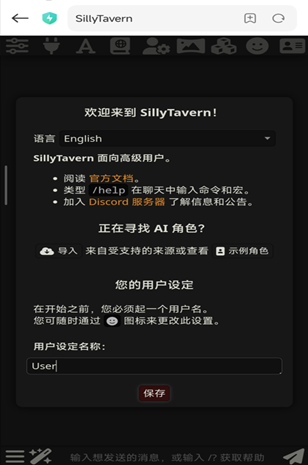
If you cannot redirect or see garbled text, open in your browser:
http://127.0.0.1:8000
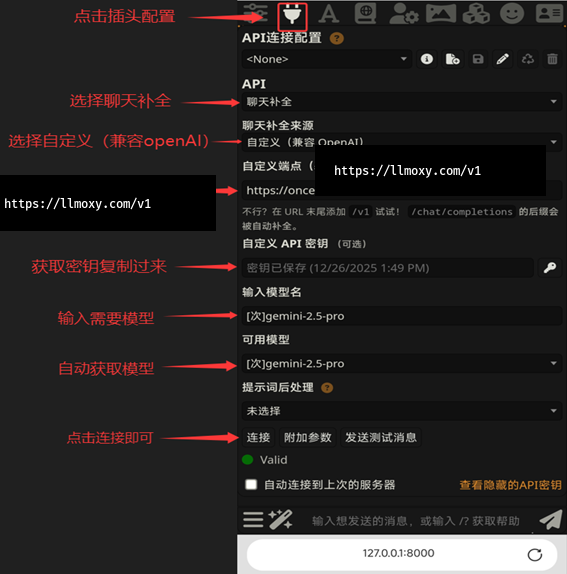
Configure API
Configure LLMoxy in SillyTavern:
- Click Settings, select Custom (OpenAI-compatible) as the chat completion source
- Custom endpoint URL:
https://llmoxy.com/v1 - API Key: enter your token
- Model name:
gpt-5.6-sol - Click "Get available models" to verify the configuration
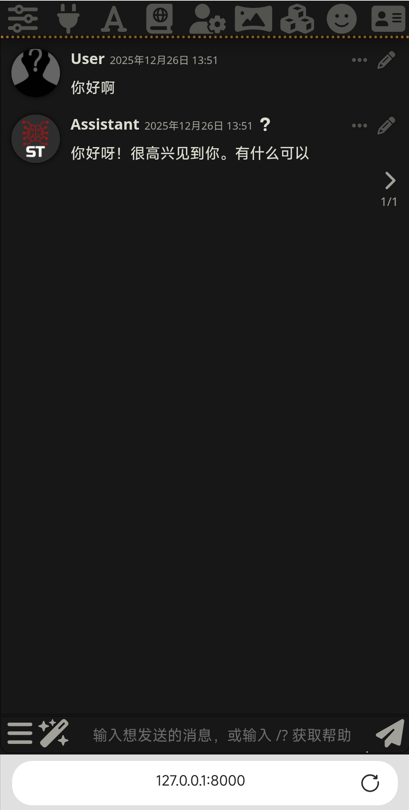
⚠️ Note Make sure there are no trailing spaces when checking the configuration!