
安装 Termux
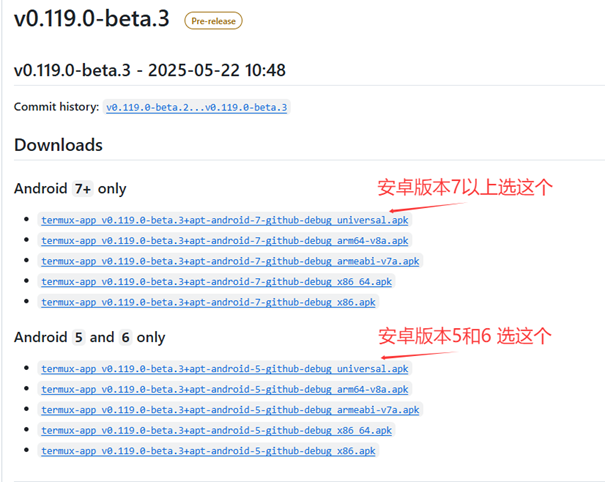
从 F-Droid 或 GitHub 下载并安装 Termux。
更新软件包
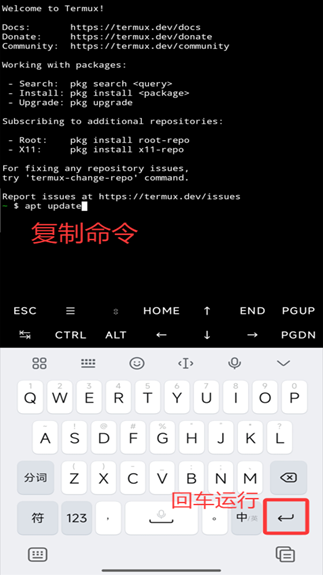
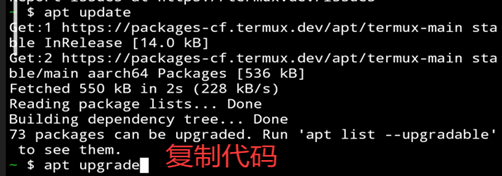
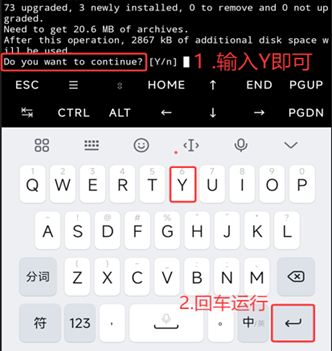
在 Termux 中更新软件包:
pkg update && pkg upgrade
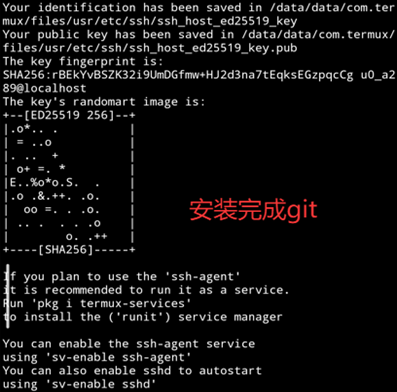
安装 Git
pkg install git
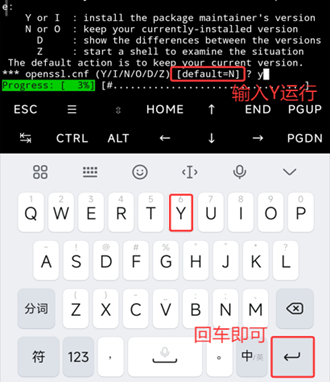
克隆酒馆仓库
国外用户使用 GitHub:
git clone https://github.com/SillyTavern/SillyTavern -b release
亚太地区用户如果 GitHub 连接不稳定,使用 Gitee 镜像:
git clone https://gitee.com/mirrors/sillytavern.git -b release
进入目录并安装 Node.js
进入 SillyTavern 目录并安装 Node.js:
cd SillyTavern
pkg install nodejs
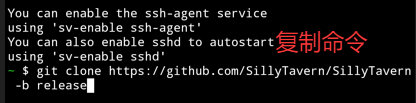

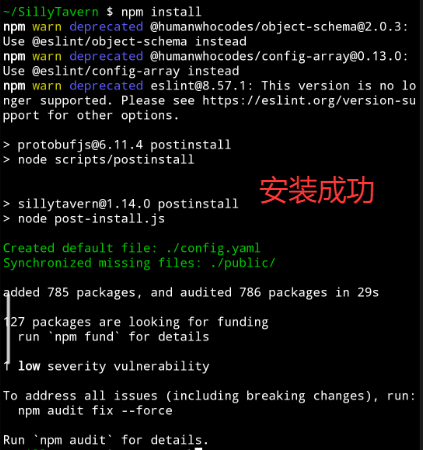
安装依赖
npm install
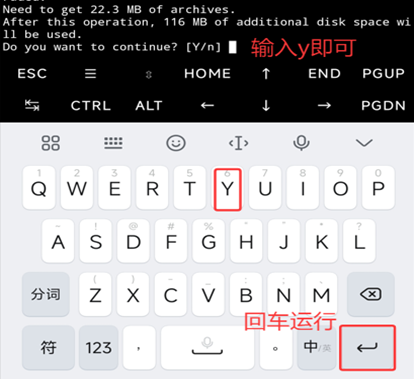
运行酒馆
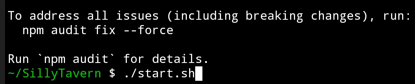
如果已在 SillyTavern 文件夹下,直接运行启动脚本:
cd SillyTavern
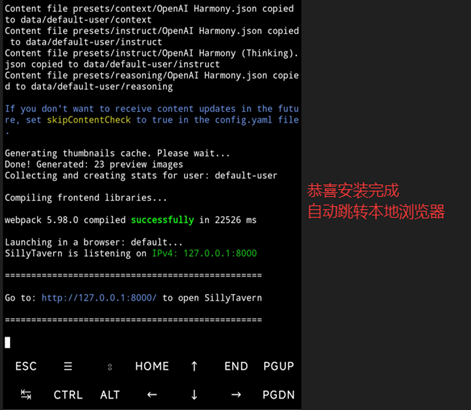
./start.sh
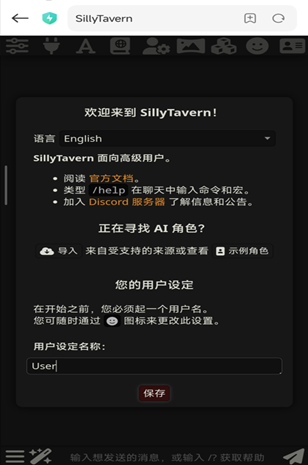
如果无法跳转或乱码,请在浏览器中打开:
http://127.0.0.1:8000
配置 API
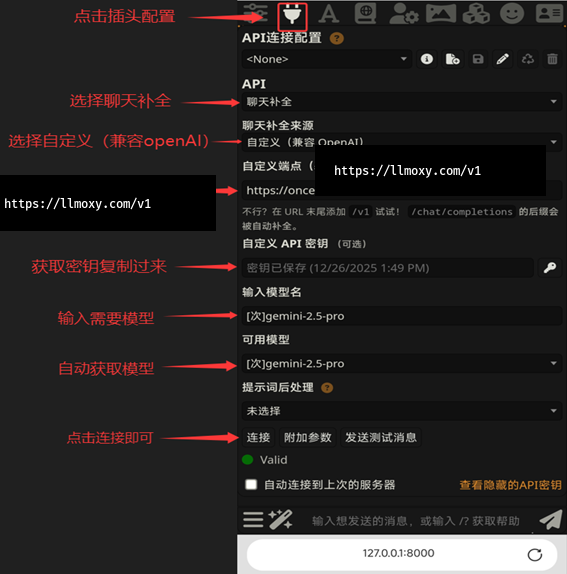
在 SillyTavern 中配置 LLMoxy:
- 点击设置,聊天补全来源选择 自定义(兼容 OpenAI 协议)
- 自定义端点 URL:
https://llmoxy.com/v1 - API 密钥: 填入您的令牌
- 模型名称:
gpt-5.4 - 点击"获取可用模型"验证配置
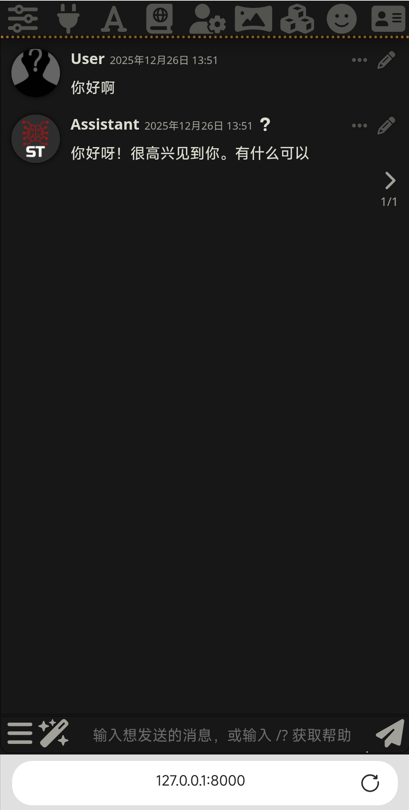
⚠️ 注意 检查配置时不要出现末尾空格!